
Pixel-Style Graphic PC Game
When I was an undergraduate, and I had just learned the C++ programming language (the first programming language I learned), together with two other classmates who also enjoyed programming, we used C++ to design a small single-player RPG game. We applied EGE graphics library to make the game look better.
Features
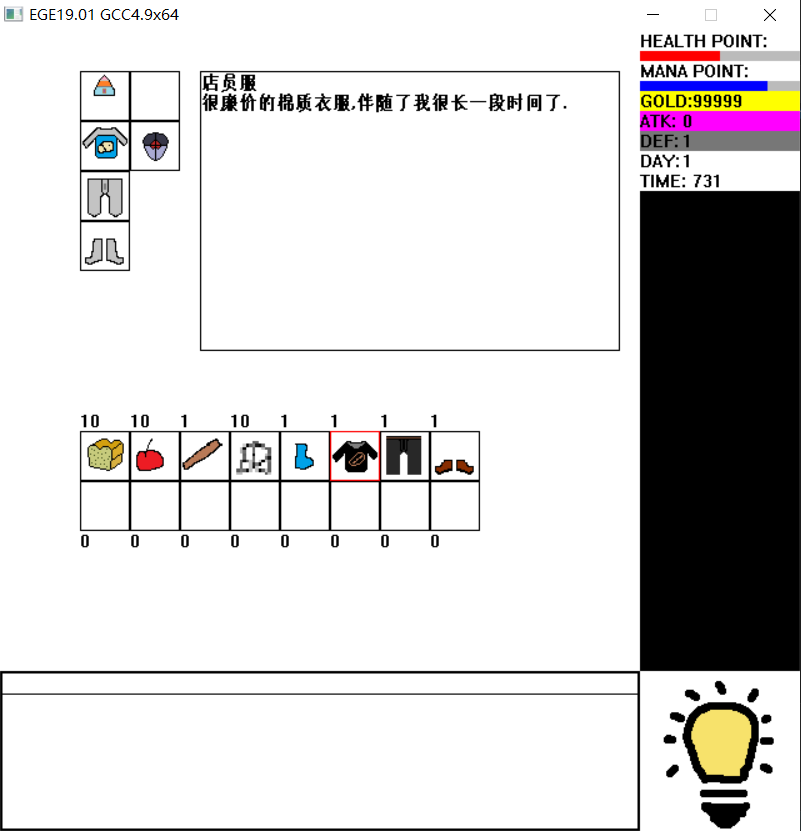
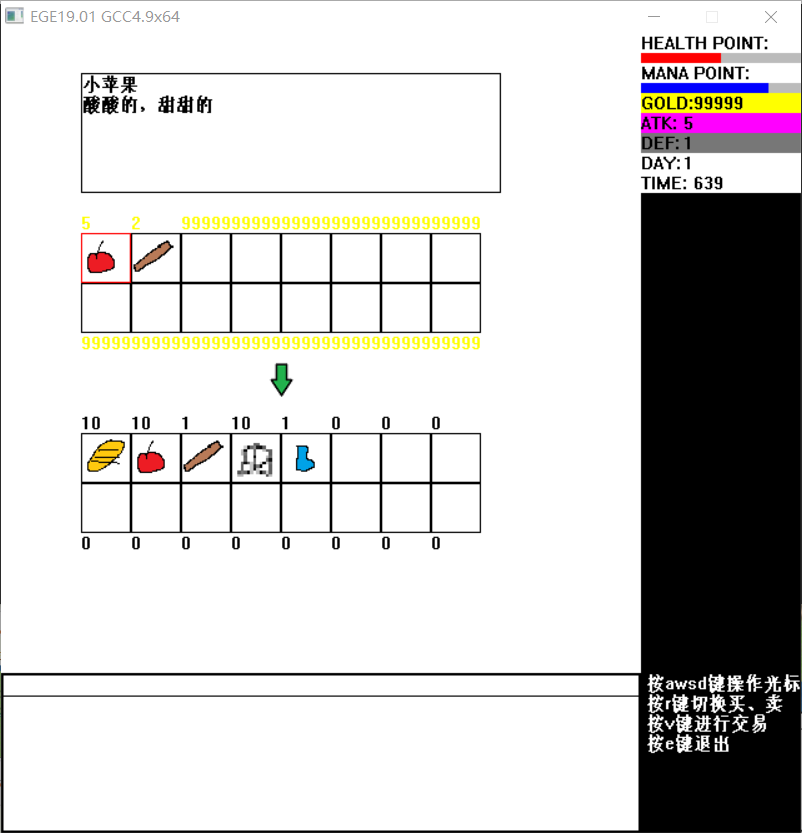
This game is designed only for a sinlge player. When the game begins with a new backup, we allow users to give names to the main character. Then, the main character can move around (using W, A, S and D), and check inventory (press E to open). When the main character moves upon a shop, he can interact with it to buy or sell items.
| Inventory | Shop |
|---|---|
 |  |
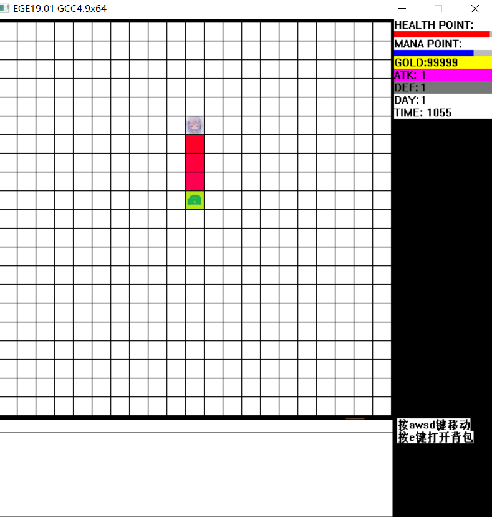
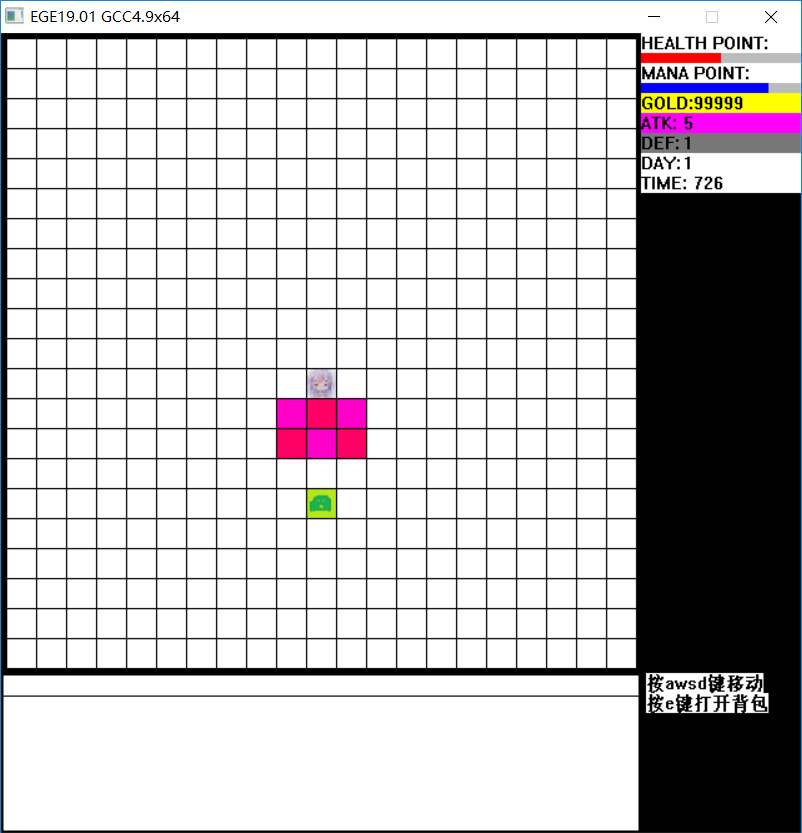
When the main character faces monsters (such as slimes), he can use weapons (such as sticks and swords) to attack them. Different weapons have different power and range of attack. The Health Point, attack power, money, etc. are listed in the bar on the right.
| Attack with a stick | Attack with a sword |
|---|---|
 |  |
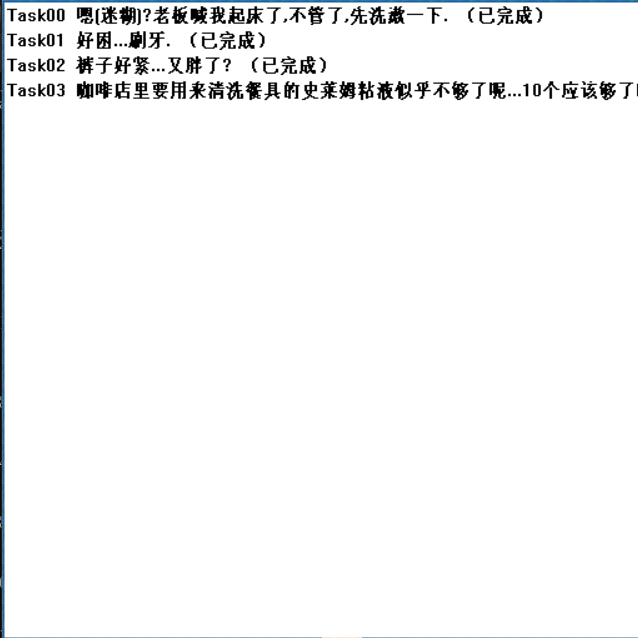
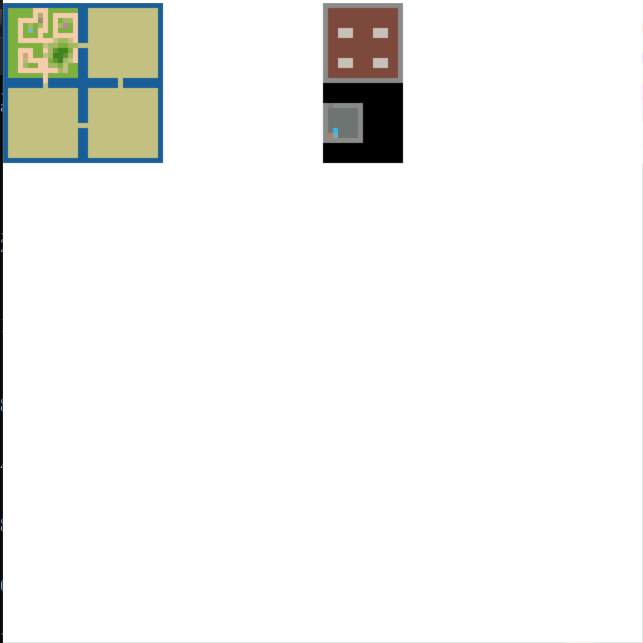
To keep the story moving, the main character can also interact with NPCs (press N), check the current task list (press T; completed tasks are marked (done)) and view thumbnails of the maps that have already been explored (press M).
| Interact with an NPC | Check task list | View thumbnails |
|---|---|---|
 |  |  |
When the user closes the game, we can also write all the relative progress into file to backup. Then the next time he opens the game, he can read the backup and continue the progress.
Techniques
Basic layout
The EGE graphics library can draw simple shapes like tables and rectangles, and it can display text on the graphics. This makes it possible to show dialogues with NPCs, as well as features like shops and inventory.
Load the map
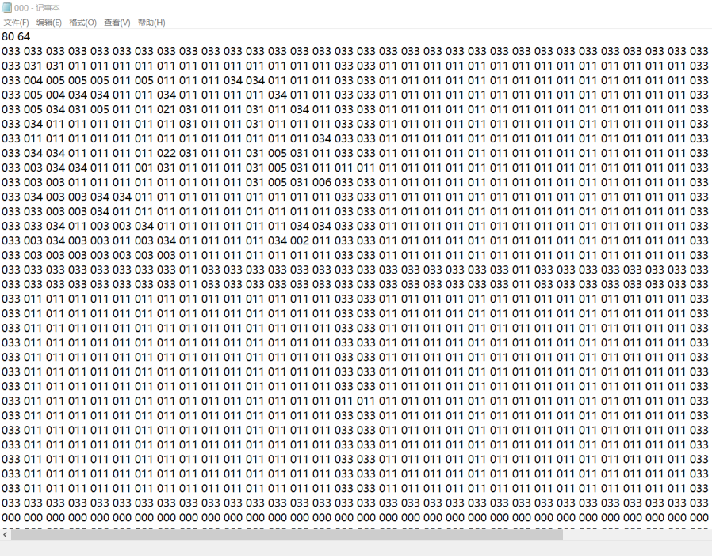
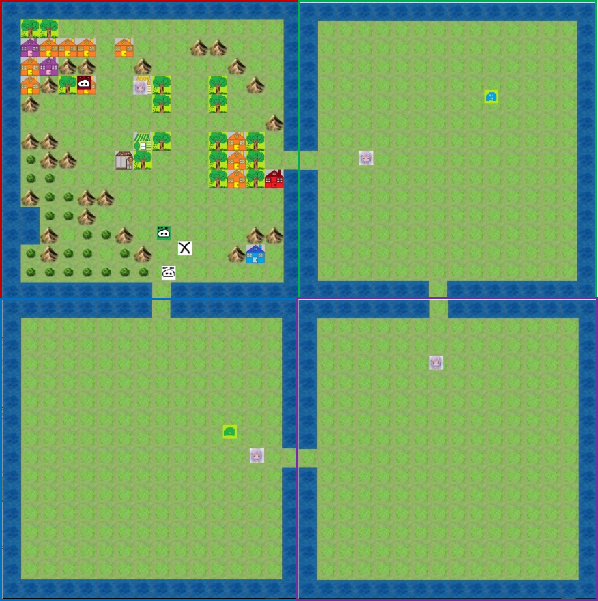
We store small environmental tiles (like grass, house, mountain, tree, etc.) into pictures, and name them by unique ID numbers. Then, we define the whole map by a matrix indicating these IDs. Thus, when we reads the file which stores the matrix, we put the corresponding picture into places to load the map.
| Matrix file | Whole map |
|---|---|
 |  |
When the main character moves to the entry of another map, we load tiles according to that map.
User input
We use function
getch()to handle the input from the user. When the input isW/A/S/D, we calculate the character’s position, and reload the map; otherwise, if the input isE/T/N/M, we call other functions to perform the relavant interaction.Obstacle detection
We first store the IDs of the tiles representing obstacles in a file. By reading this file, we can identify which tiles are obstacles. After calculating the character’s position, if the new position corresponds to a tile that is an obstacle, we do not update the map.