
ASC22-23 International Supercomputing Competition
Gains: This was my second time participating in an international high performance computing competition, and I was honored to serve as the team leader. I gained even more experience than I did as a participant—not only in professional areas such as preprocessing, power management, and server management, but also in teamwork. I learned how to motivate my team, and how to allocate resources based on each member’s interests and strengths.
About the competition
ASC first releases some of the applications, allowing participants to prepare in advance. Then, during the offline competition, entirely new test cases and a mysterious new application are announced on site.
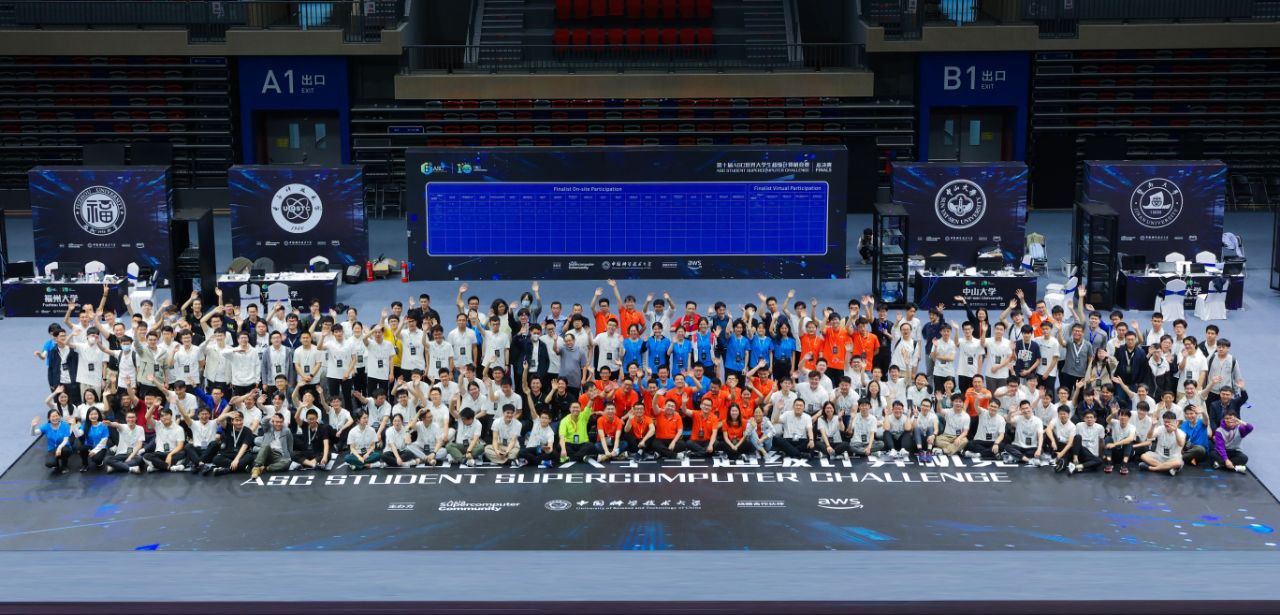
ASC22-23 was held offline at our university (USTC), and since it was the 10th anniversary of the competition, our team faced more pressure. However, this experience brought us closer together.
We were asked to conduct and optimize the following applications: WRF-Hydro, Yuan Large Language Model, DeePMD, a mysterious application which is only revealed on site, and a newly given group competition (asks several teams to work together).
The competition lasted for four days. During the first two days, we had to select suitable hardware and set up the servers on site. What made it even more exciting was that, due to the environmental protection and resource conservation, we were required to keep our server’s power consumption below 3000W. Since the event was held offline, the organizers could easily monitor power usage. If our program exceeded the 3000W power limit while running, an alarm would sound on site, and the result for that run would be invalidated.
WRF-Hydro
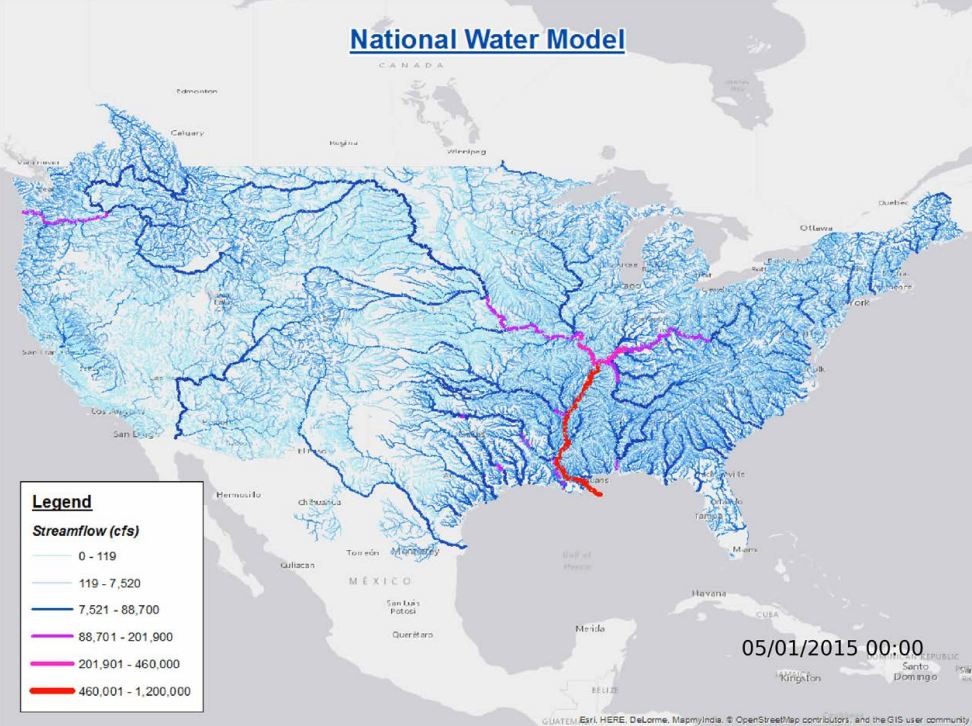
This application adds a module to Weather Research & Forecasting Model (WRF), enabling hydrometeorological forecasts, including flash flood prediction, regional hydroclimate impacts assessment, seasonal forecasting of water resources, and land-atmosphere coupling studies.
| WRF-Hydro overview | Preprocessing |
|---|---|
 | 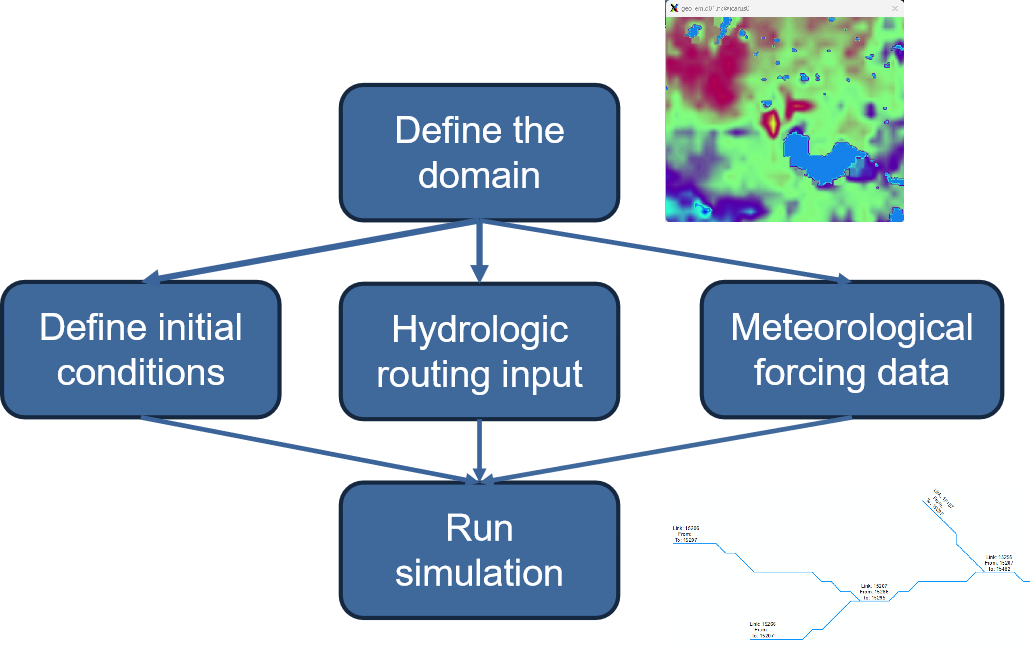 |
In the official website, all the provided datasets are too small (only cost less than one minute to run them). To get prepared for much larger test cases that will be provided on site, we decided to run preprocess progress of WRF-Hydro, to generate more test cases.
We specified very large grid size (the range to simulate and perform prediction), and large simulation time. But the largest dataset we generated, can be run in 3 minutes.
When the competition day arrived, the organizers provided us with a very large test case that required several hours to run. It was then that we realized our understanding of the program was not thorough enough; there was a configuration file that allowed us to specify the simulation time step (calculation frequency), which could significantly increase the computational workload.
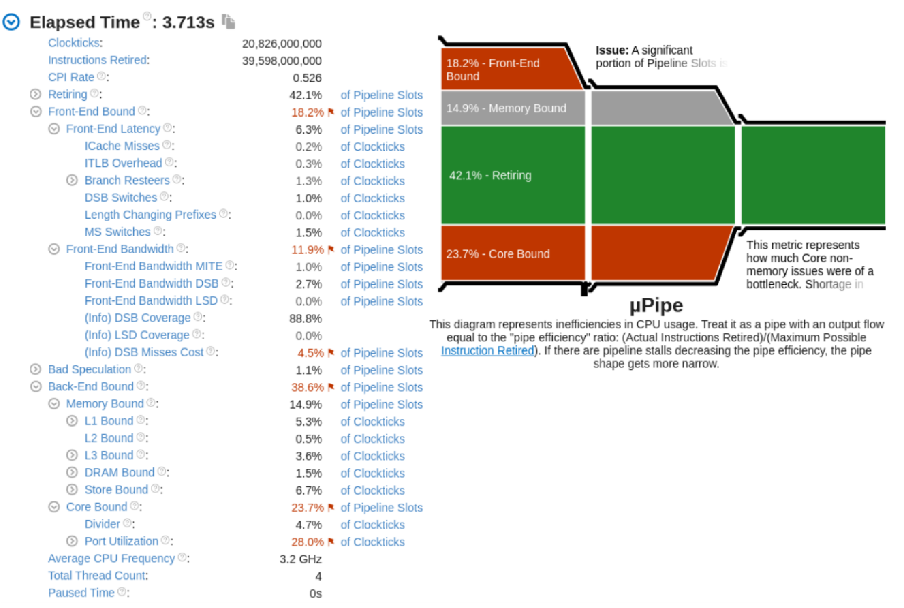
Prior to the offline competition, using our pre-generated larger dataset, we applied VTune to analyse the runtime performance of WRF-Hydro. There are several important indicators: front-end bound and back-end bound. Front-end bound is relavant to branchs, pre-fetches, etc. And back-end bound is relavant to FP ops, data-dependency, etc. We optimized compiler flags to enable function inline and vectorization, and also found the most-frequently-called function, studied the algorithm of it and optimized several lines.
After all these strategies, we reduced back-end bound from 36.6% to 34.6%.
Server and power management
| Install server before ASC | Install server on site |
|---|---|
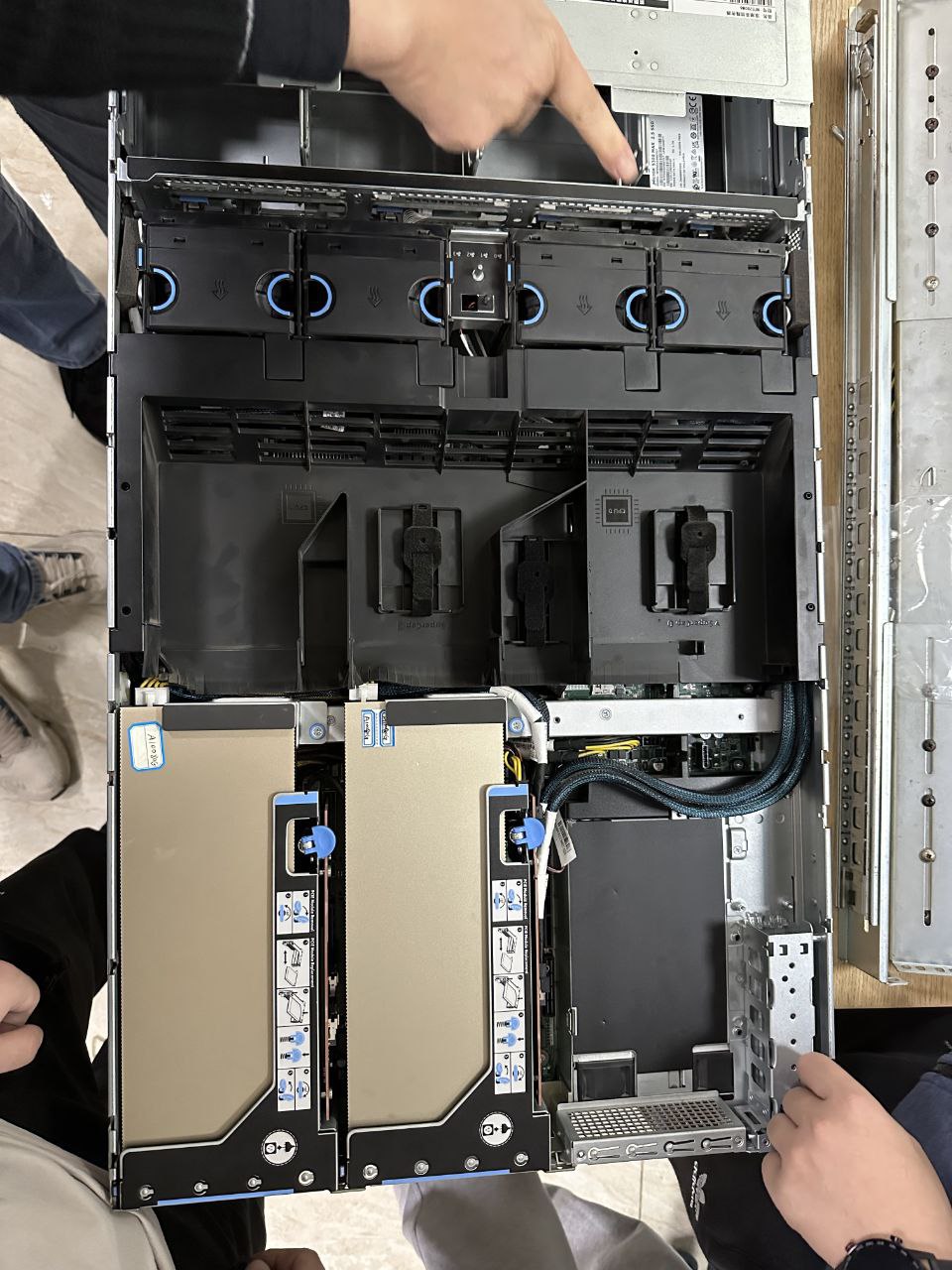 | 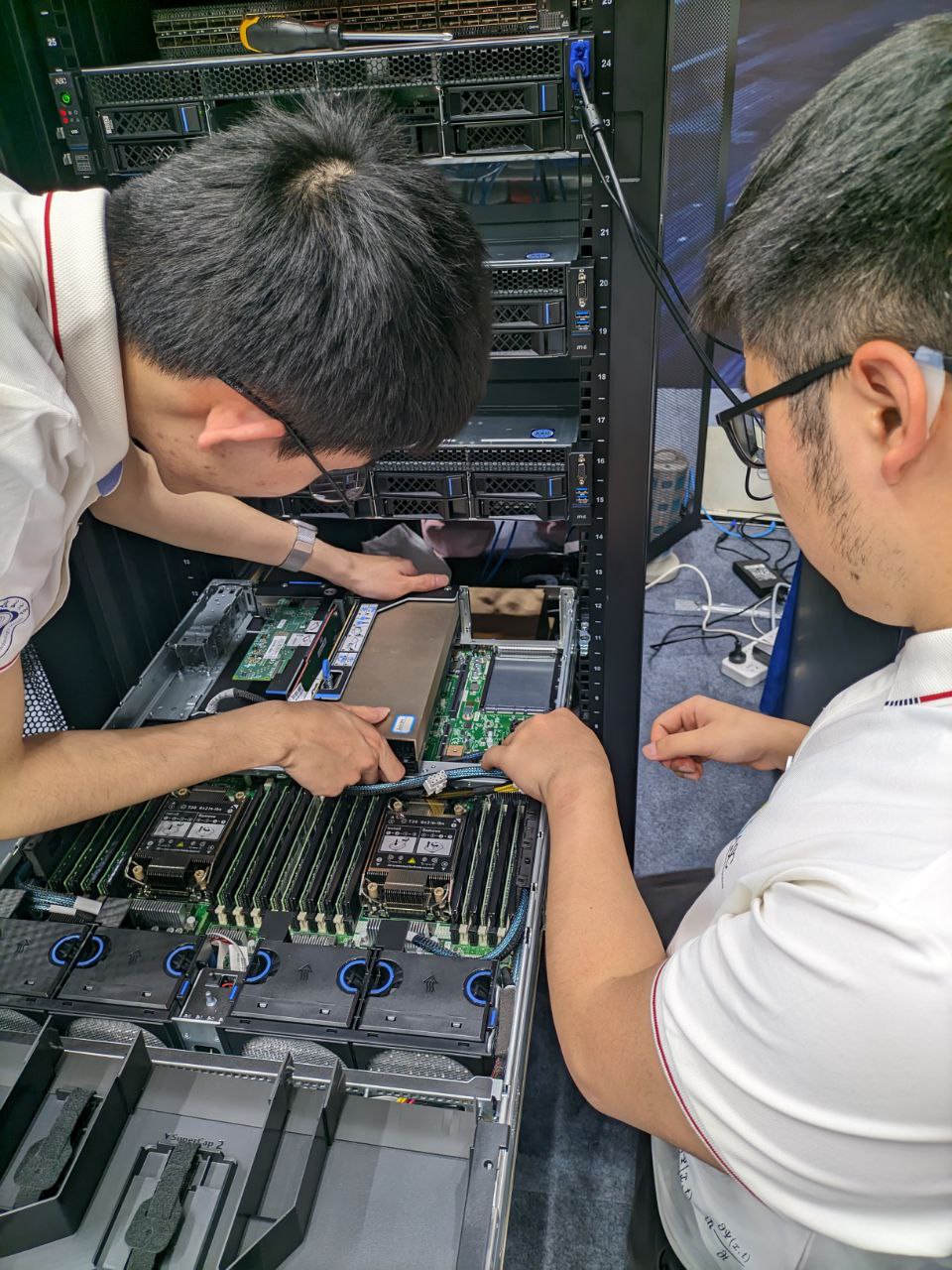 |
We installed the hardware of the server, and had 4 nodes in total, each node with 2 GPUs. Then we installed Ubuntu for each node. To run programs across the nodes, we installed Network File System (NFS). Since different application requires different dependencies, each team member installed them locally, and use conda to separate the environment.
The competition required us to manage the power consumption, and there are various methods to do so:
- BIOS
- Change CPU power state
- Disable hyper thread
- Fan
- Limit power
- CPU & GPU
- Limit power and frequency
- Use less cores
- Use a power monitor to adapt above strategies in real time
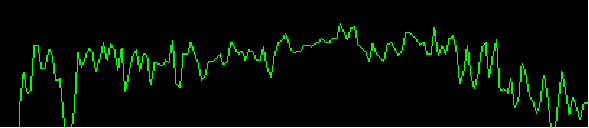
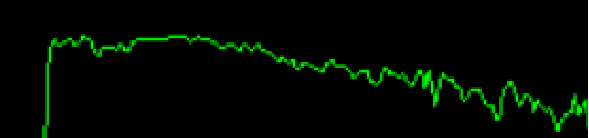
It is very important that the power and frequency of the CPU and GPU need to be adjusted together. When we only regulated the power, the power consumption curve was jagged and fluctuated significantly. Later, when we learned to lock the frequency while adjusting the power, the power consumption curve became much smoother.
| Only regulate the power | Adjust power and frequency together |
|---|---|
 |  |
After experimenting and discovering the patterns for controlling power consumption, we designed different adjustment scripts tailored to the characteristics of each application. During the competition, we monitored the real-time power consumption curve and quickly applied the appropriate script for each situation.
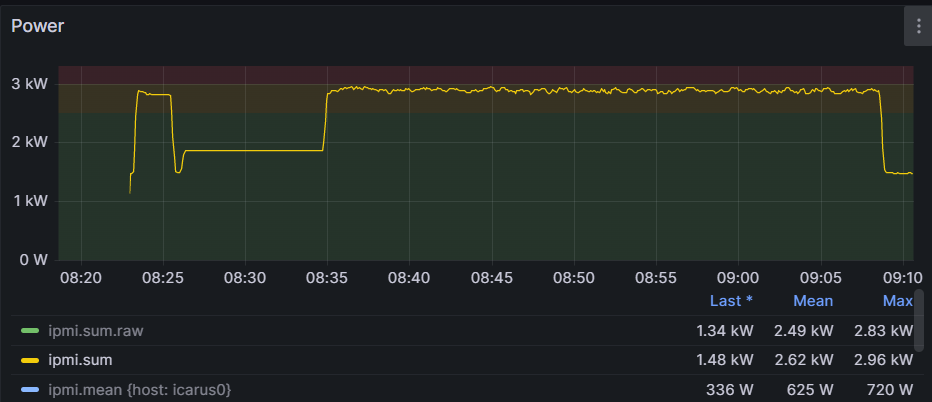
At the competition site, when we ran our applications, the power consumption curve was kept almost right below the 3000W line. This allowed us to make the most of our resources and achieve the best possible results without triggering the alarm.